
Animazione della schermata di avvio
Personalizzazione aggiuntiva dell'aspetto dell'app.
Per la tua applicazione Telegram puoi impostare un logo personalizzato sulla schermata di avvio. La fig. 1 mostra la versione predefinita.
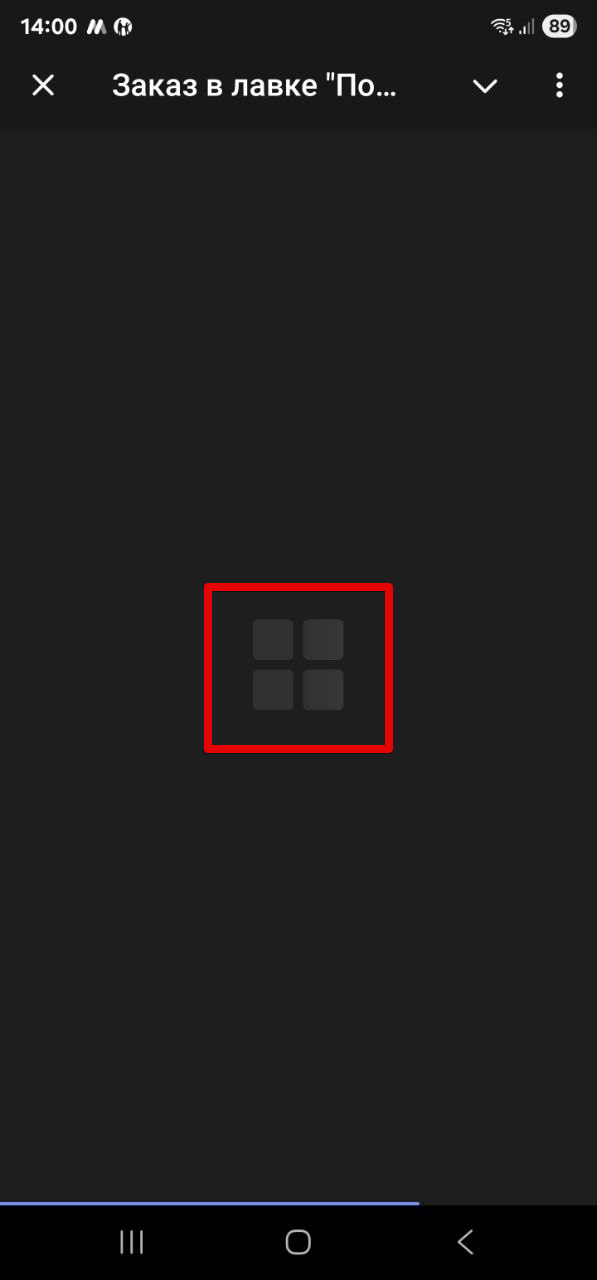
Fig. 1. Logo standard durante l'avvio dell'app.
Configurazione del logo
Per sostituirlo con il logo della tua attività o con un'altra immagine, esegui i seguenti passaggi: Apri @BotFather in Telegram. Seleziona «Edit your bots». Scegli il bot per il quale vuoi aggiornare il logo. Premi «Bot Settings». Seleziona «Configure Mini App». Premi «Configure Splash Screen». Invia l'immagine del logo nella chat con @BotFather. BotFather ti chiederà di impostare alcuni colori — ti consigliamo di premere /skip due volte. Più avanti mostreremo esempi di come questi colori possono essere configurati. Fatto!
Ora, all'avvio dell'app verrà mostrato il tuo logo. La fig. 2 mostra un esempio dopo aver applicato le impostazioni sopra.
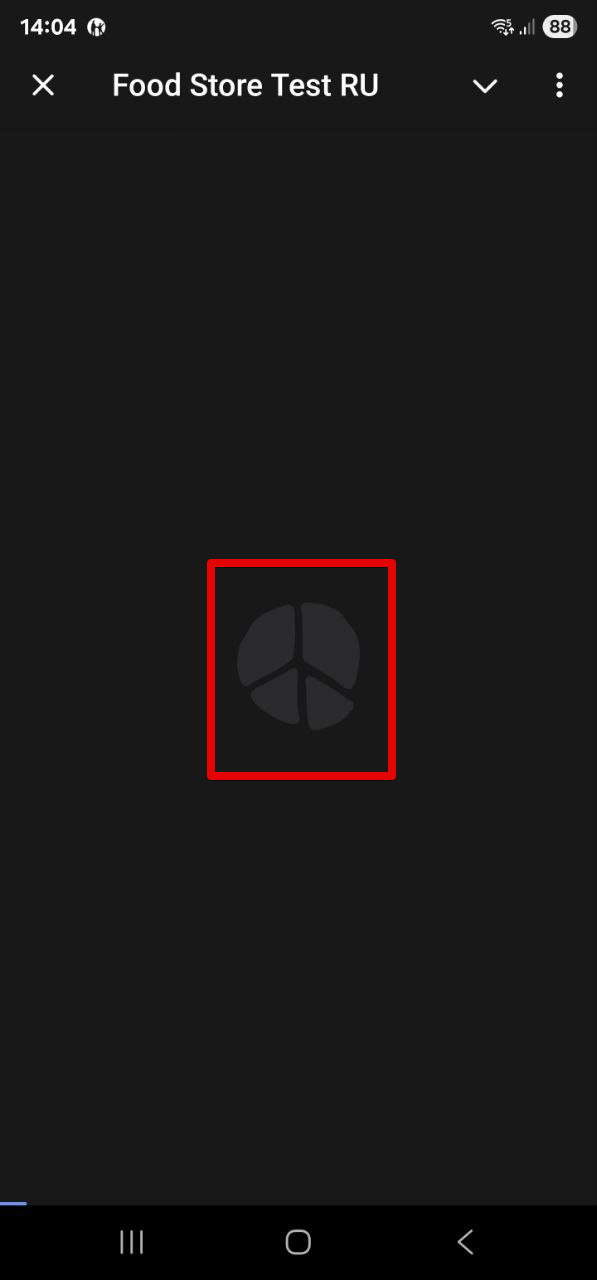
Fig. 2. Il tuo logo personalizzato all'avvio dell'app.
Requisiti del logo
Il logo deve essere in formato SVG, di dimensione 512×512 pixel e non più di 1024 byte. Sono inoltre supportati i formati WEBP e TGS.
Se durante l'invio del logo a @BotFather si verifica un errore, questo indicherà esattamente cosa è andato storto.











