
Privacy Policy Link
Anton Ingachev
September 26, 2026
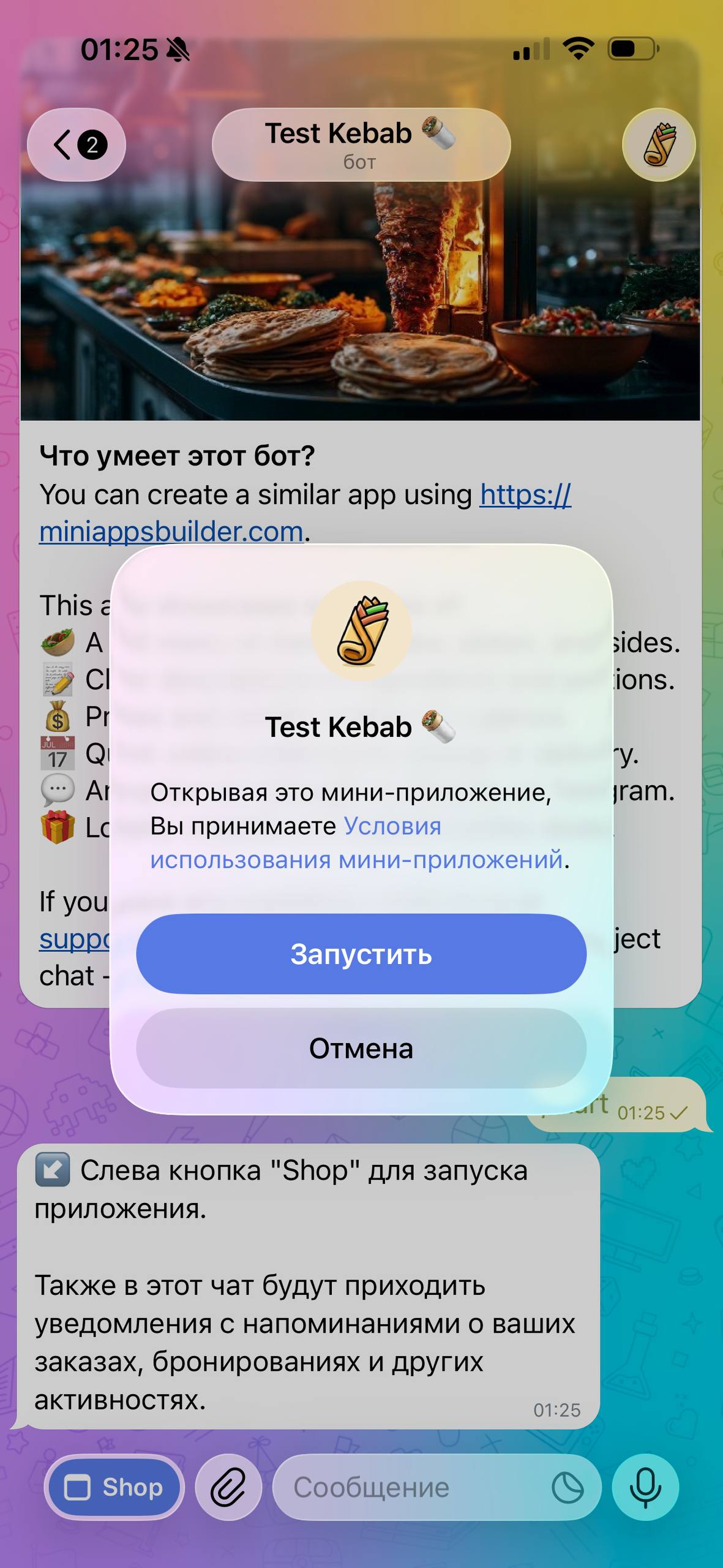
For Telegram Mini Apps, you can add a link to your own privacy policy. Then, when your app is launched for the first time, users will have the opportunity to read your policy instead of Telegram's standard one.
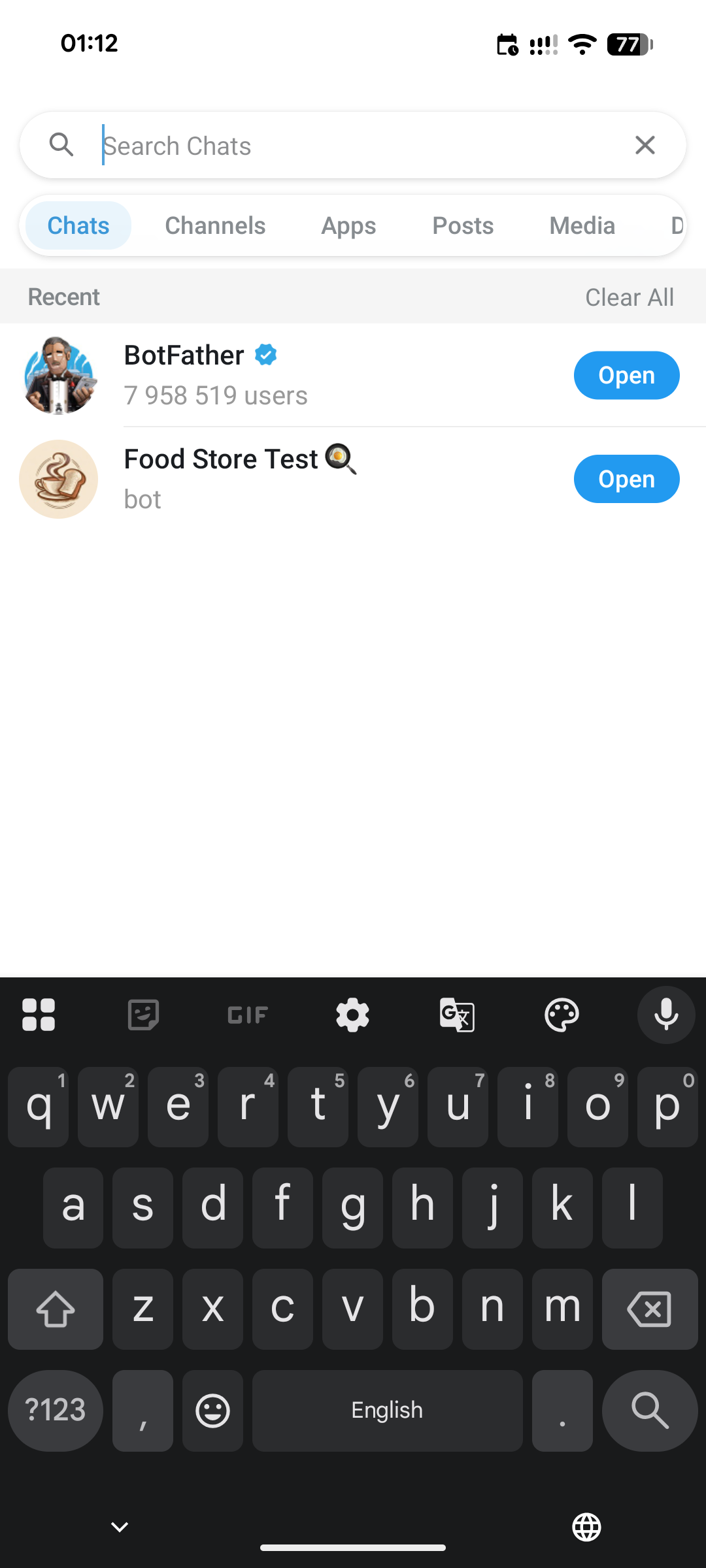
To change the link to the one you need, open @BotFather.
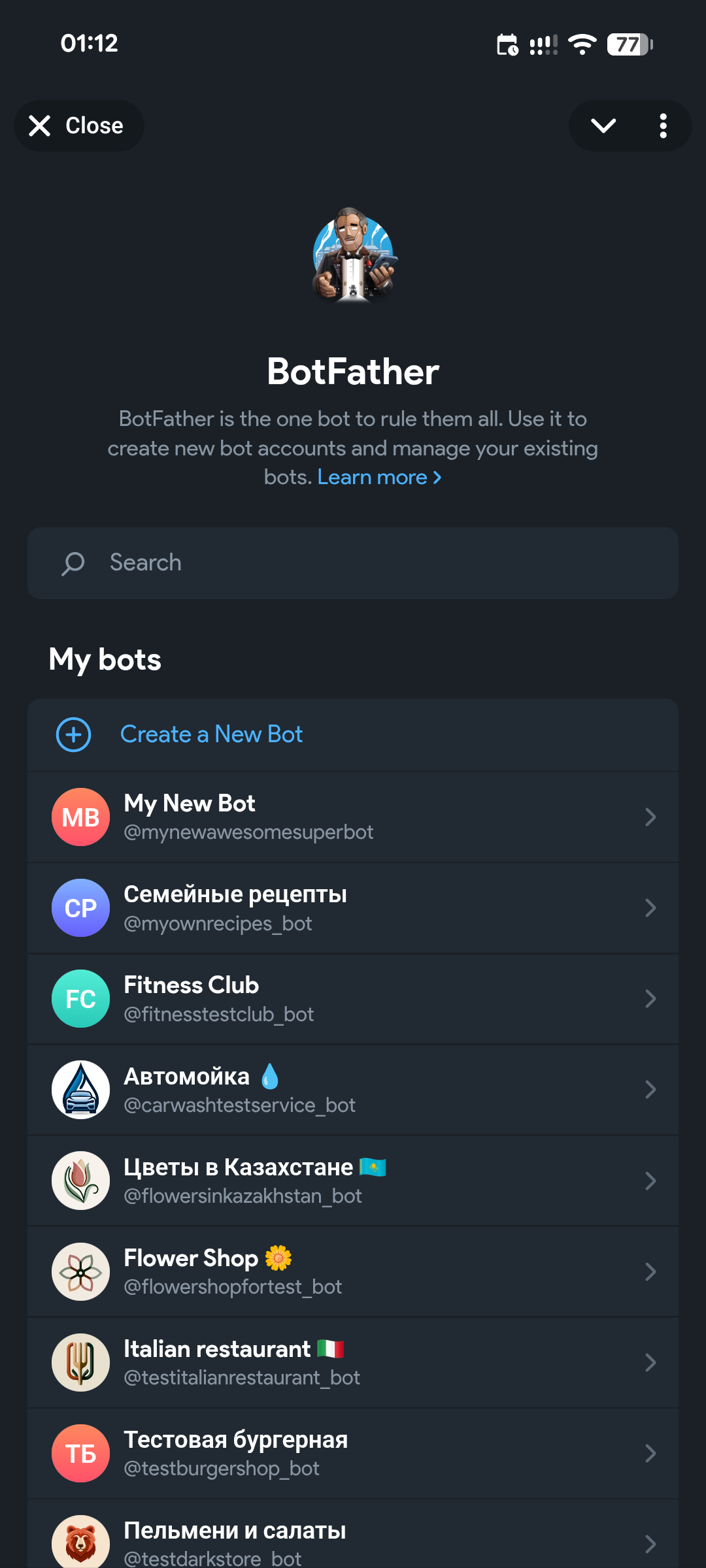
Select the app you need if you have more than one.
In the menu that opens, select "Bot Settings".
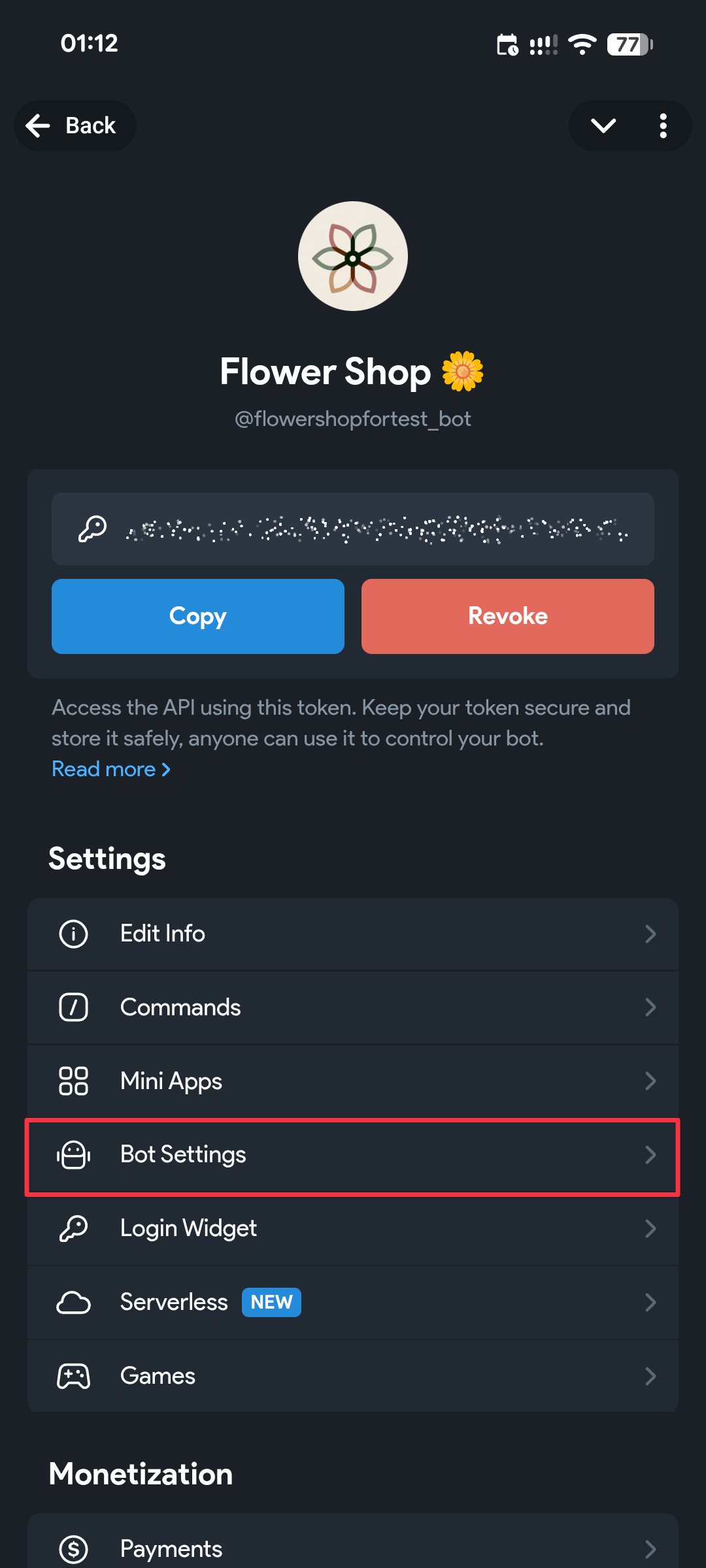
Scroll down the screen; near the very bottom there is a "Privacy Policy" item, where you can paste the link to your privacy policy.
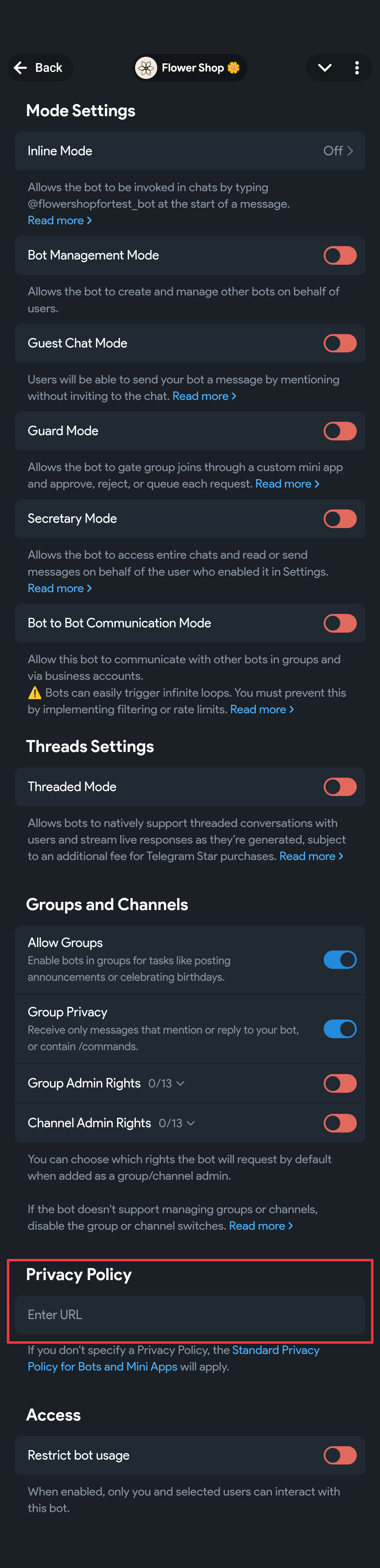
There you can also delete or change it if anything changes.











