
Creating an application
Anton Ingachev
May 23, 2026
Creating an application consists of two steps:
- Initial setup in Telegram via @BotFather.
- Connecting to Mini Apps Builder and filling in content, additional settings.
The full step-by-step process is shown in the video. There is also a written description after it. If you have any questions, ask them in a convenient way:
- Via the widget in the bottom-right corner in chat format.
- By email to support@miniappsbuilder.com.
- On any of our social networks.
Initial setup in BotFather
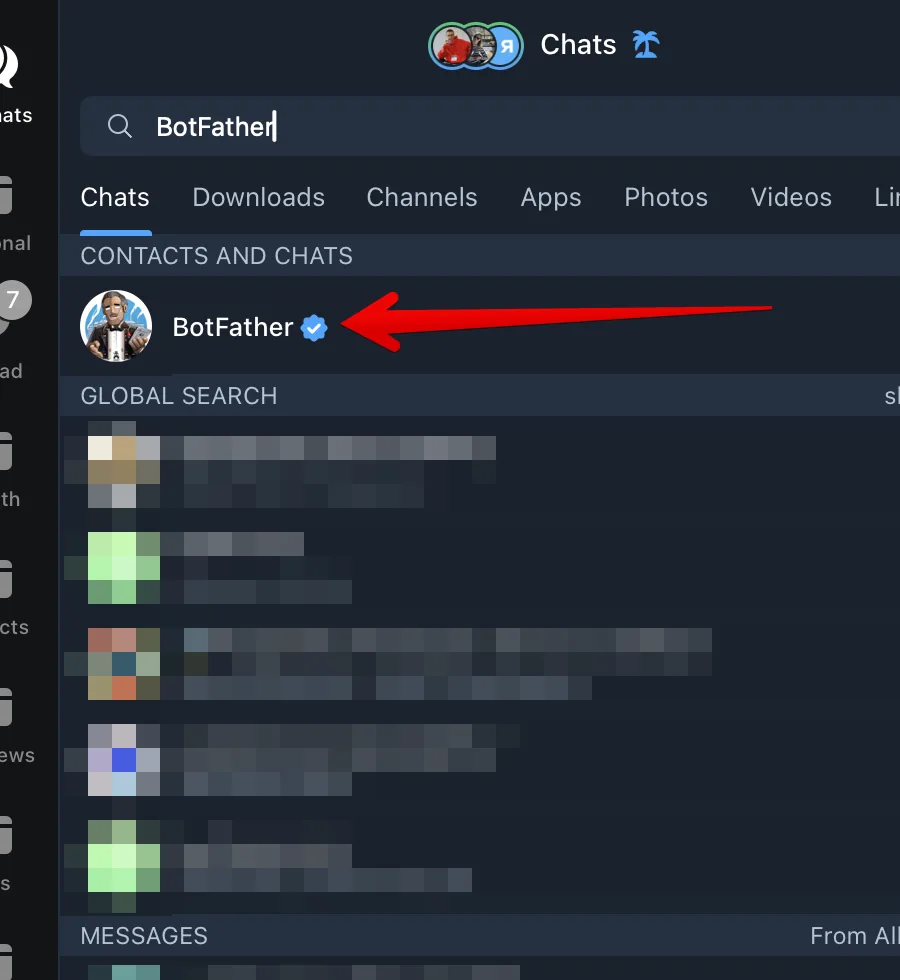
Open Telegram on any convenient device. Find BotFather using search (fig. 1).
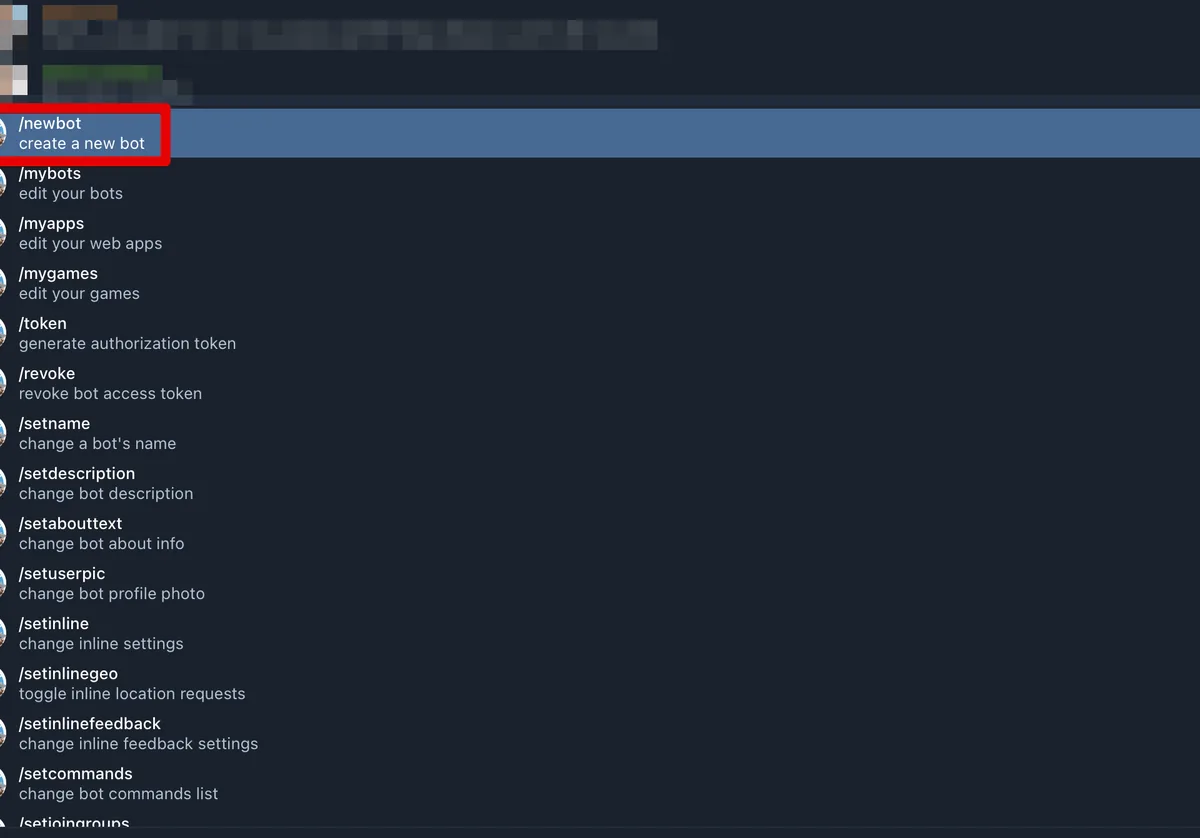
- In the BotFather menu, choose the newbot command (fig. 2).
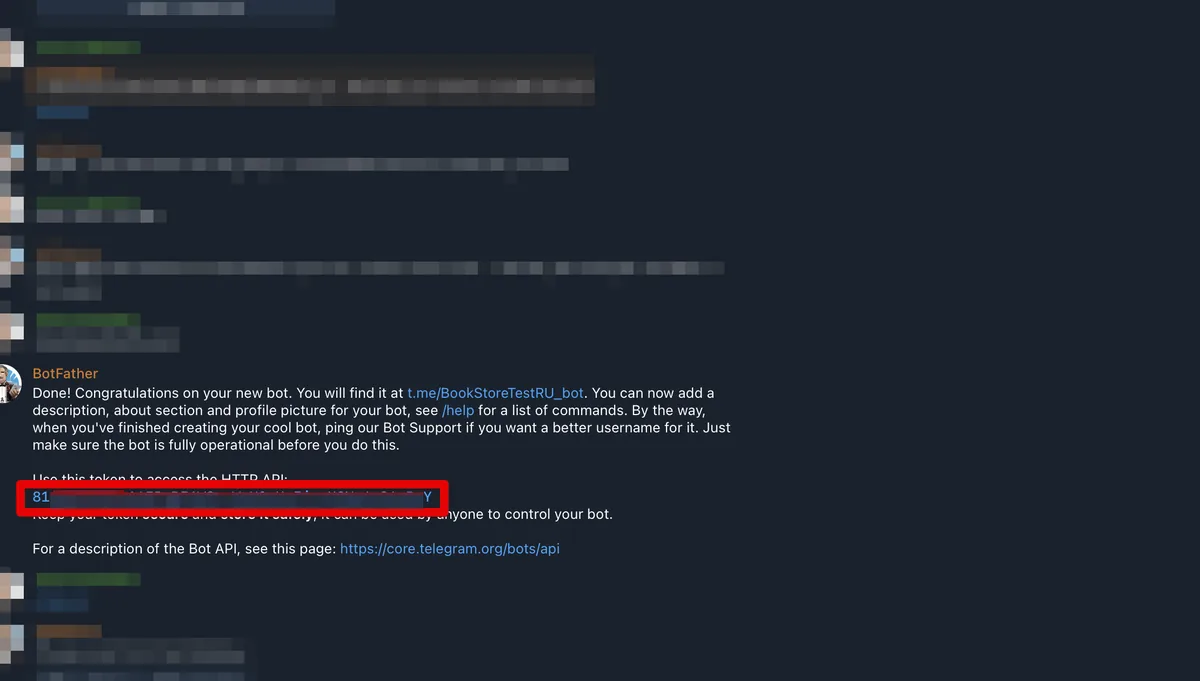
- Follow BotFather's instructions. First it will ask you to come up with a bot name, then a unique ID in the format xxxxxx_bot. After that BotFather will issue the bot token (fig. 3). This token will be needed in the second step — when connecting to Mini Apps Builder.
Connecting to Mini Apps Builder
This step requires a registered account on miniappsbuilder.com.
After creating an account you will see the screen (fig. 4).











