Update 1.55.0: browser store without login, legal documents, and content protection
In Mini Apps Builder 1.55.0, the new store works in two places at once: in Telegram and in a regular browser. The buyer opens the link and sees the catalog without needing to log in.
Store in the browser
In the “Apps” list, under the bot link, there is now a web address for the store. Each link has a copy button. This works for stores created after the update. Older stores still have only the bot link.

The buyer opens the web address and goes straight to the catalog. The store recognizes them when they come back from the same browser. Before placing an order, the cart asks them to fill in the “Phone” field with the hint “We’ll call you about the order.” Until the phone number is added, the “Place order for …” button is inactive.
Digital products and courses are delivered only in Telegram. In the browser, the page for such a product says “Can only be received in Telegram.” Payment through Telegram is not available in the browser. On a computer, the store is displayed in a column as wide as a phone screen.
Only buyers from Telegram receive broadcasts. In the dashboard, an order from the browser shows the buyer’s name and phone number.
Dashboard: order type
In the “Orders” section, under the order number next to the date, it now says “Products” or “Service.” This makes service bookings immediately visible in the general list.
Legal documents
A new “Legal documents” tab has appeared on the “App” page. It contains two fields: “Link to terms of use” and “Link to privacy policy.” The link must start with https://.
In the mini app, these links are visible in the buyer’s profile, under the “Language” row: “Terms of use” and “Privacy policy.” If there are no links, the block is not shown.
Content protection
A “Content protection” card has appeared on the “Dashboard” with a “Disable forwarding and saving” toggle. When it is enabled, the buyer cannot forward or save files, links, and codes that the bot sends after a purchase. This applies to courses, the knowledge base, digital products, and free products. The purchase description and product demo remain open.

Catalog: products without a category
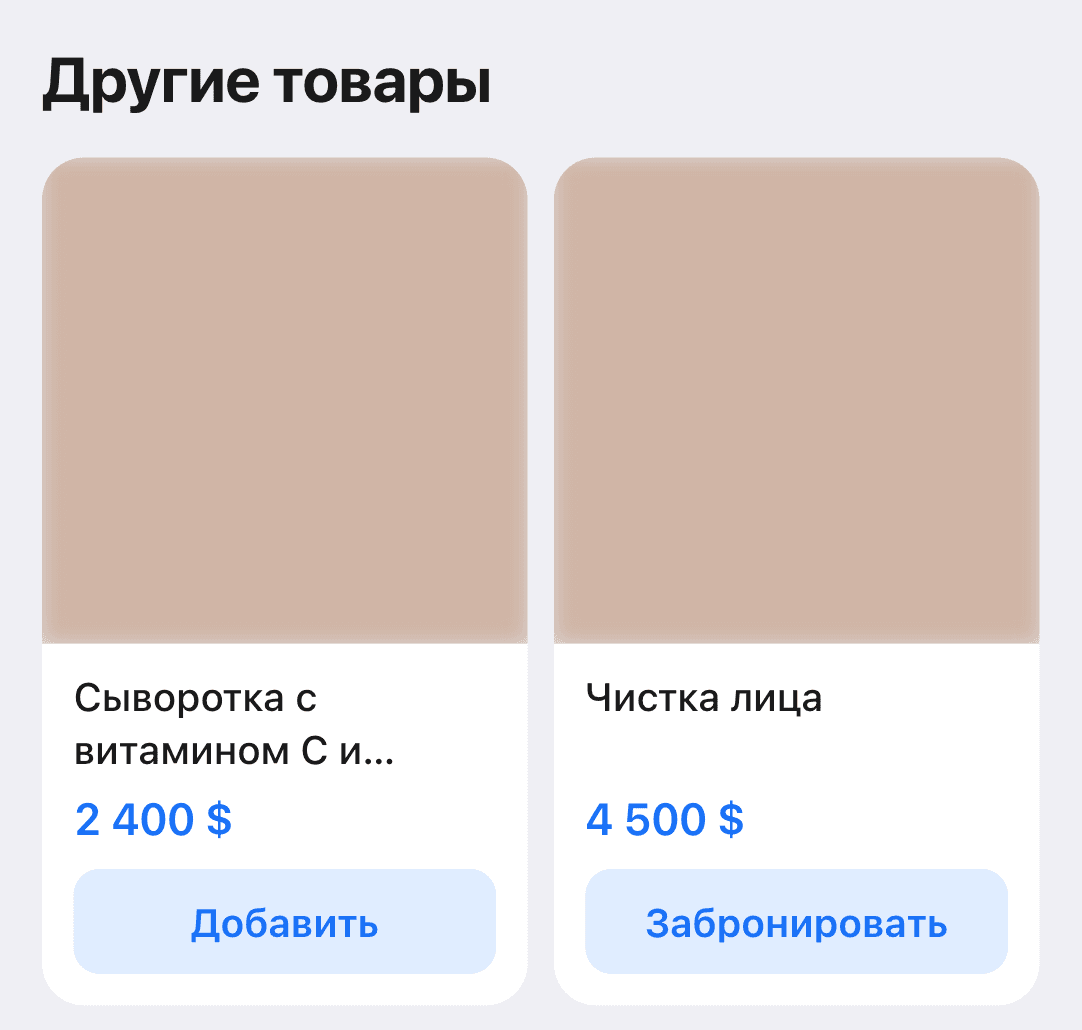
If a store has two or more categories, the catalog opens as a category grid. Previously, products without a category could not be found in such a catalog. Now they are shown below the grid, in the “Other products” block, and can be added to the cart right away.
Dashboard: empty screens
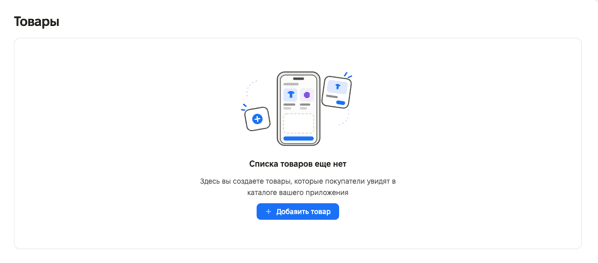
Empty dashboard sections now show an illustration, a short explanation, and a button for the first step. For example, “Here you create products that buyers will see in your app catalog.” This is how products, categories, services, locations, tables, team, schedule, orders, reviews, drafts and broadcast history, contacts and CRM companies, knowledge base, and partner sections look now.
Fixes
- A service booking that has an order now opens again in “Schedule.” Previously, the booking panel did not open.
We also fixed minor bugs and improved the service’s stability.











