Қосымшаны жылдам іске қосу
Anton Ingachev
2026 ж. 27 мамыр
Қажетті қолданбаны бір басу арқылы іске қосу.
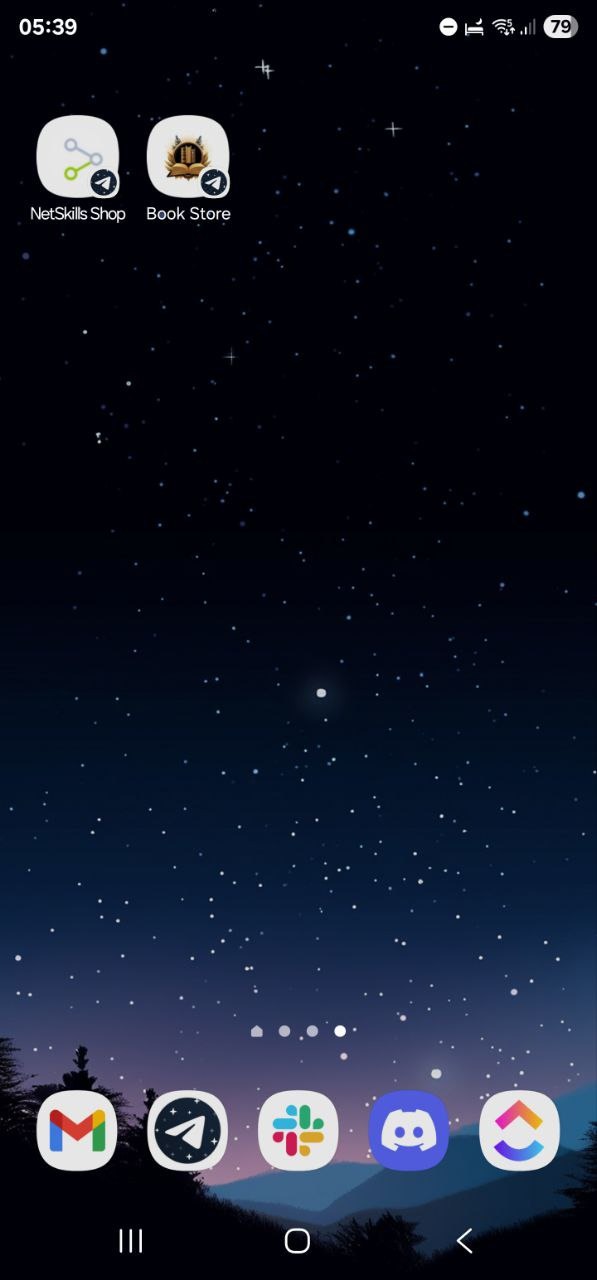
Telegram Mini App-ты Android немесе iOS-тегі кәдімгі қолданба сияқты іске қосу үшін оның белгішесін смартфонның басты экранына қосуға болады, төмендегі суретте көрсетілгендей.
Баптау
Қолданбаның белгішесін мобильді құрылғының басты экранына қосу үшін:
- Қажетті қолданбаны ашыңыз.
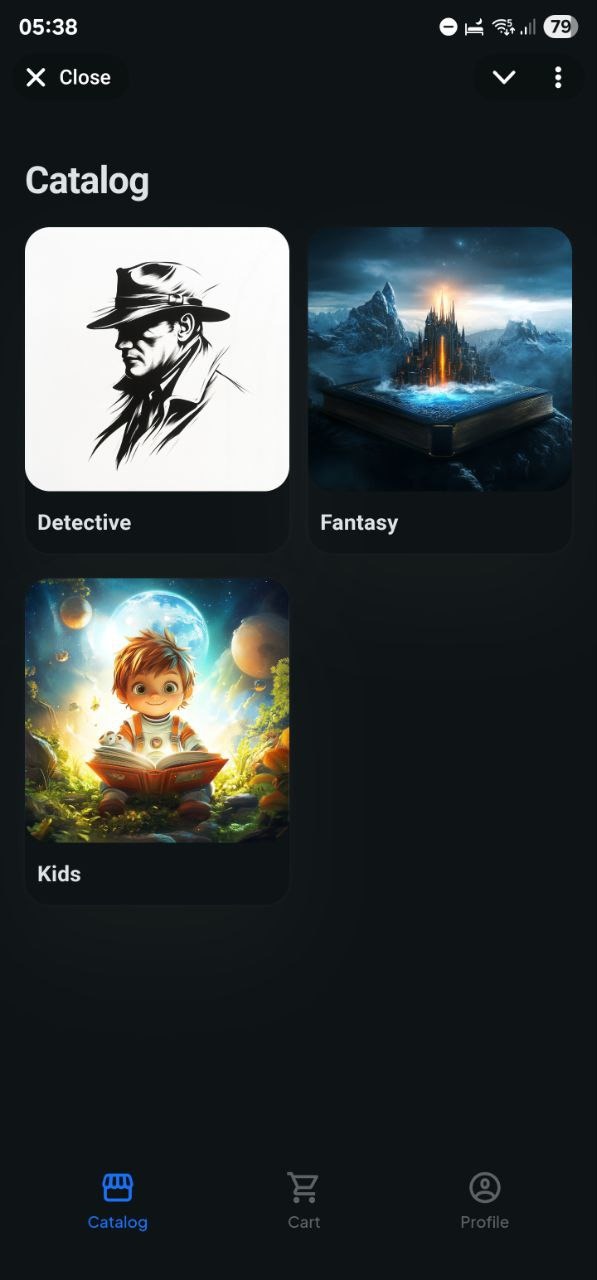
- Оң жақ жоғарғы бұрыштағы үш нүктені түртіңіз.
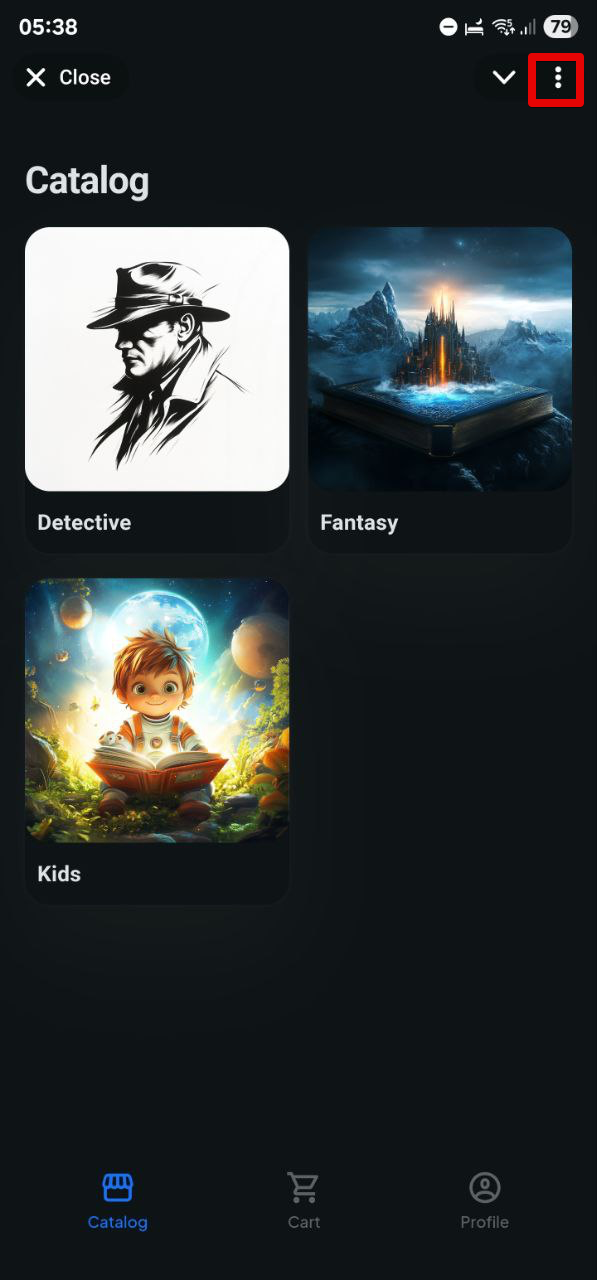
- Ашылатын мәзірден «Басты экранға қосу» таңдаңыз.
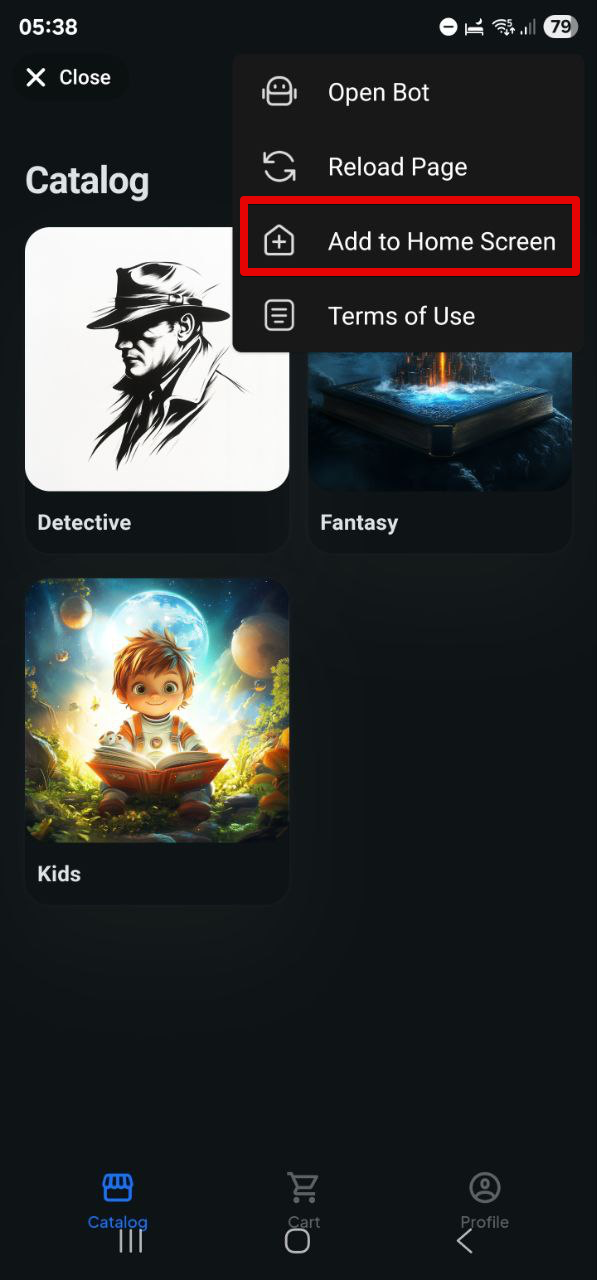
- Дайын! Енді белгіше басты экранда.
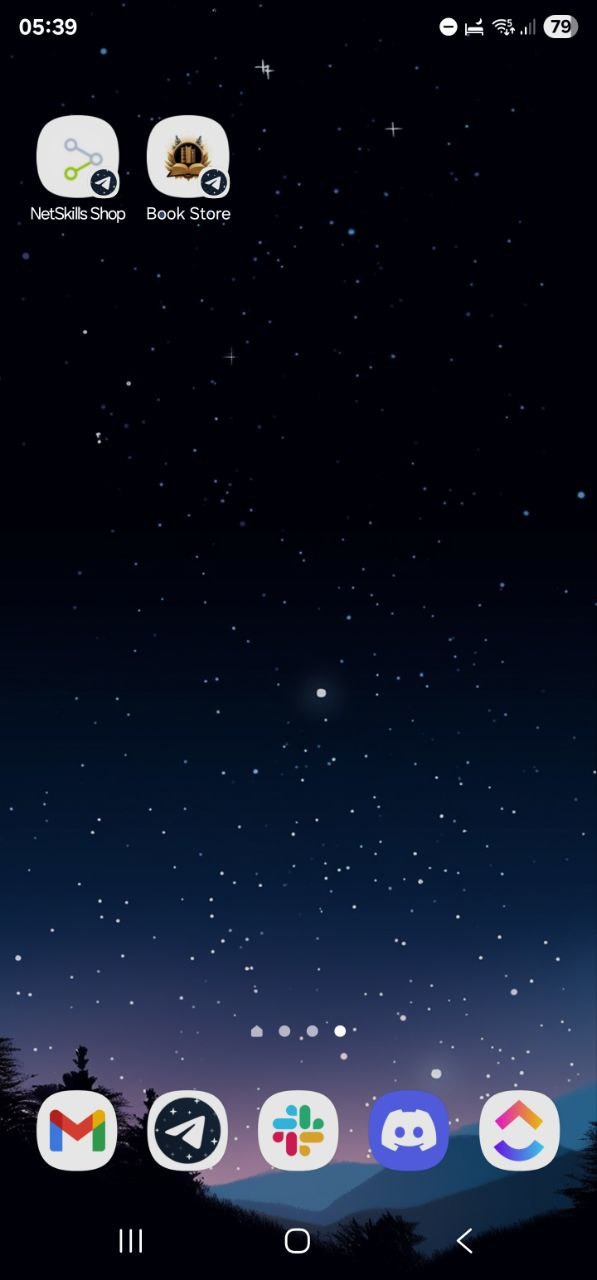
Оны бассаңыз, таңдаған қолданба дереу Telegram-да ашылады.
Белгішені басқа қолданбалармен бірге жылжытуға және топтастыруға болады — кәдімгі қысқа жол сияқты.











