Version 1.2.0 update list 🚀
In this release, we added the "Marketing" section for all app types. In it, you can create and send messages to your users, similar to email campaigns for websites or push notifications in mobile apps.
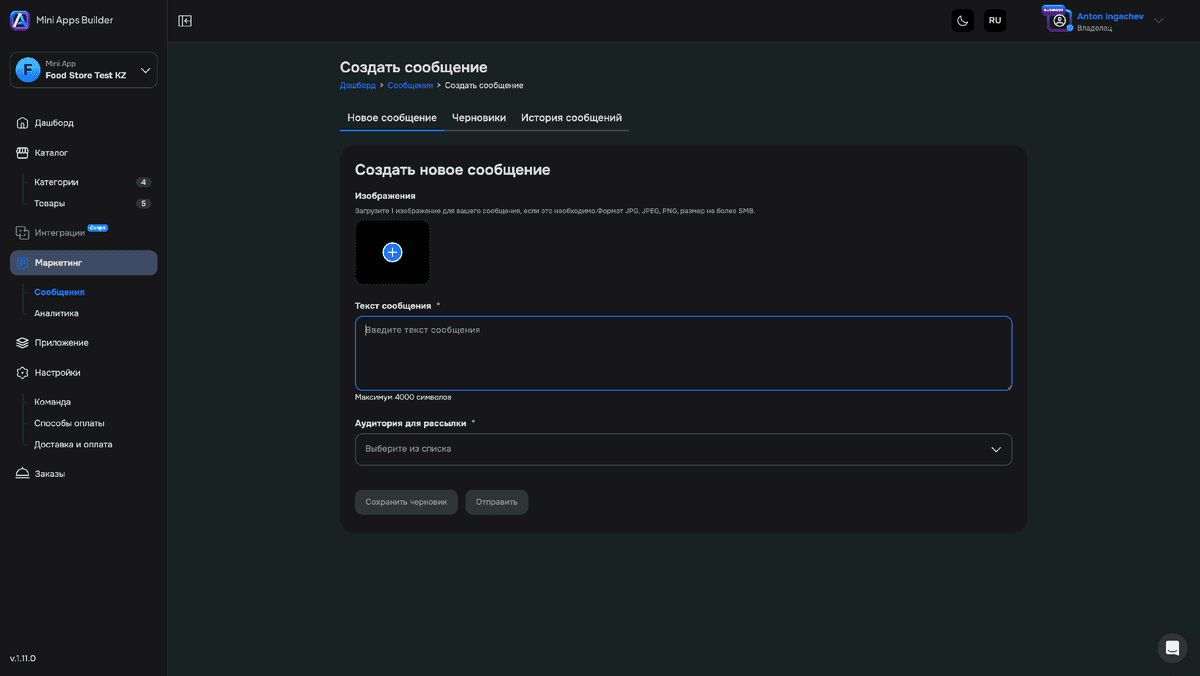
Open the "Messages" section and click the "Create" button. You can add 1 image and text up to 4,000 characters long.
On the next step, select the audience of your users to send the message to:
All users.
Users who have made at least one purchase in your app.
Users who have not made a single purchase in your app.
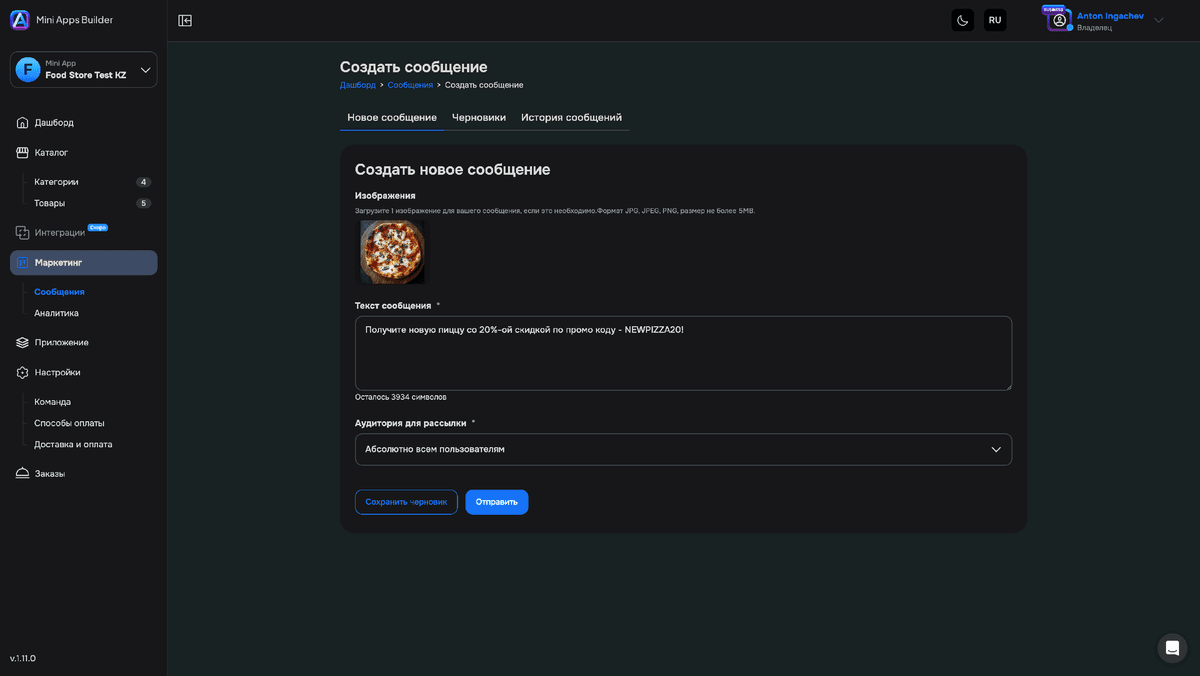
After that, click the "Send" button.
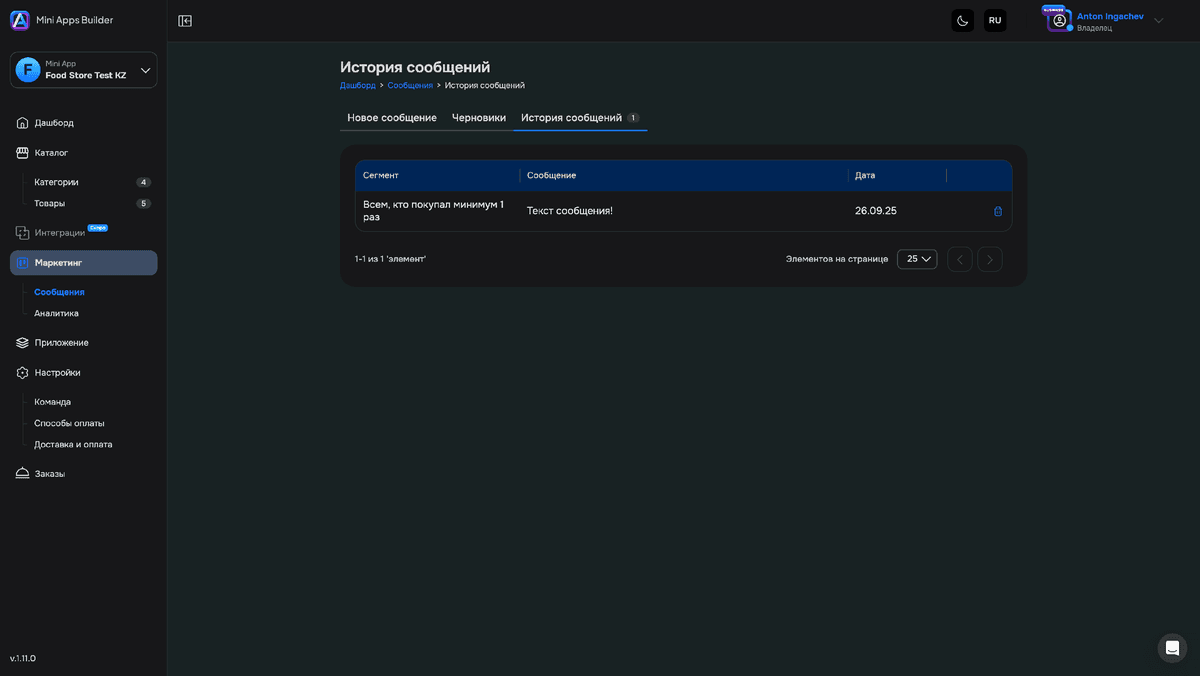
Sent messages are stored in the "History" tab. You can always view them.
You can also save messages to "Drafts" and return to them later.
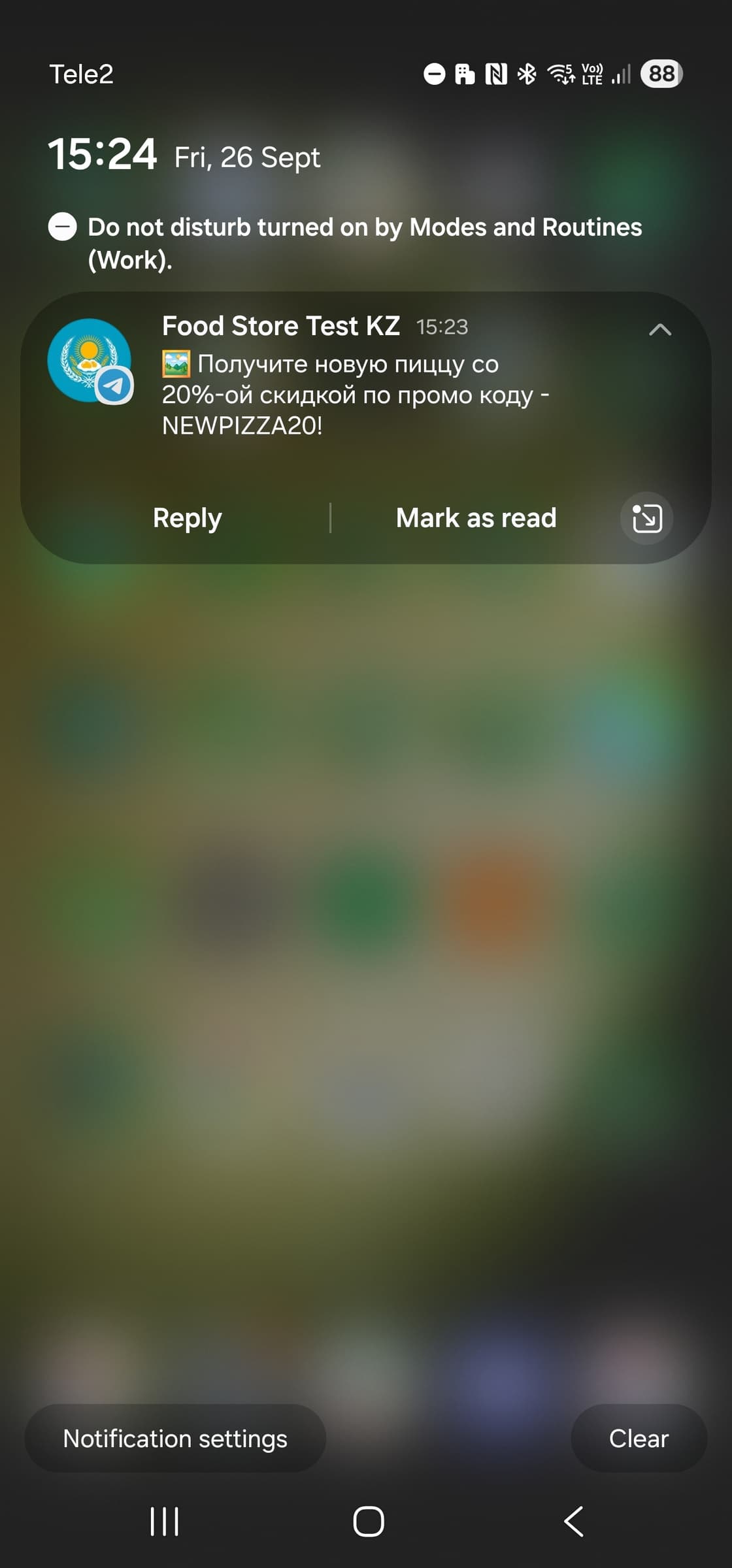
The feature is available to Mini Apps Builder users on any pricing plan.