
Update 1.58.0: Hebrew and Shekel, New Website Pages
In Mini Apps Builder 1.58.0, Hebrew has been introduced. The dashboard, Mini App, and bot operate in Hebrew, with the interface running from right to left. For stores in Israel, the shekel currency has been added.
Hebrew and Shekel
In the dashboard, you can select the language עברית. The dashboard in Hebrew runs from right to left.
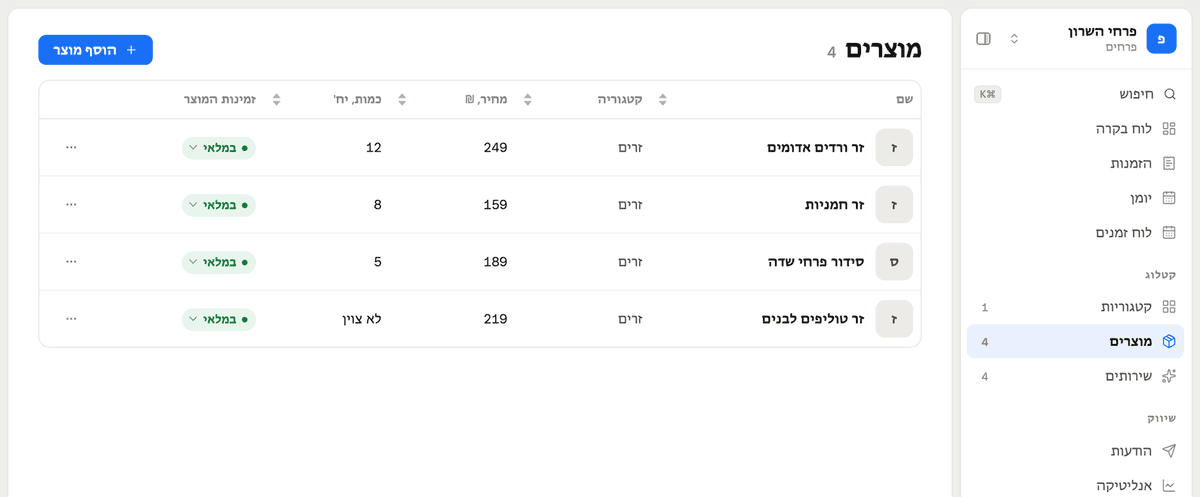
In the "Content Translation" plugin, Hebrew can be selected as the store's "Main Language." Consequently, the Mini App opens in Hebrew running from right to left. The bot sends notifications and tickets in Hebrew. Customer emails are still sent in English.
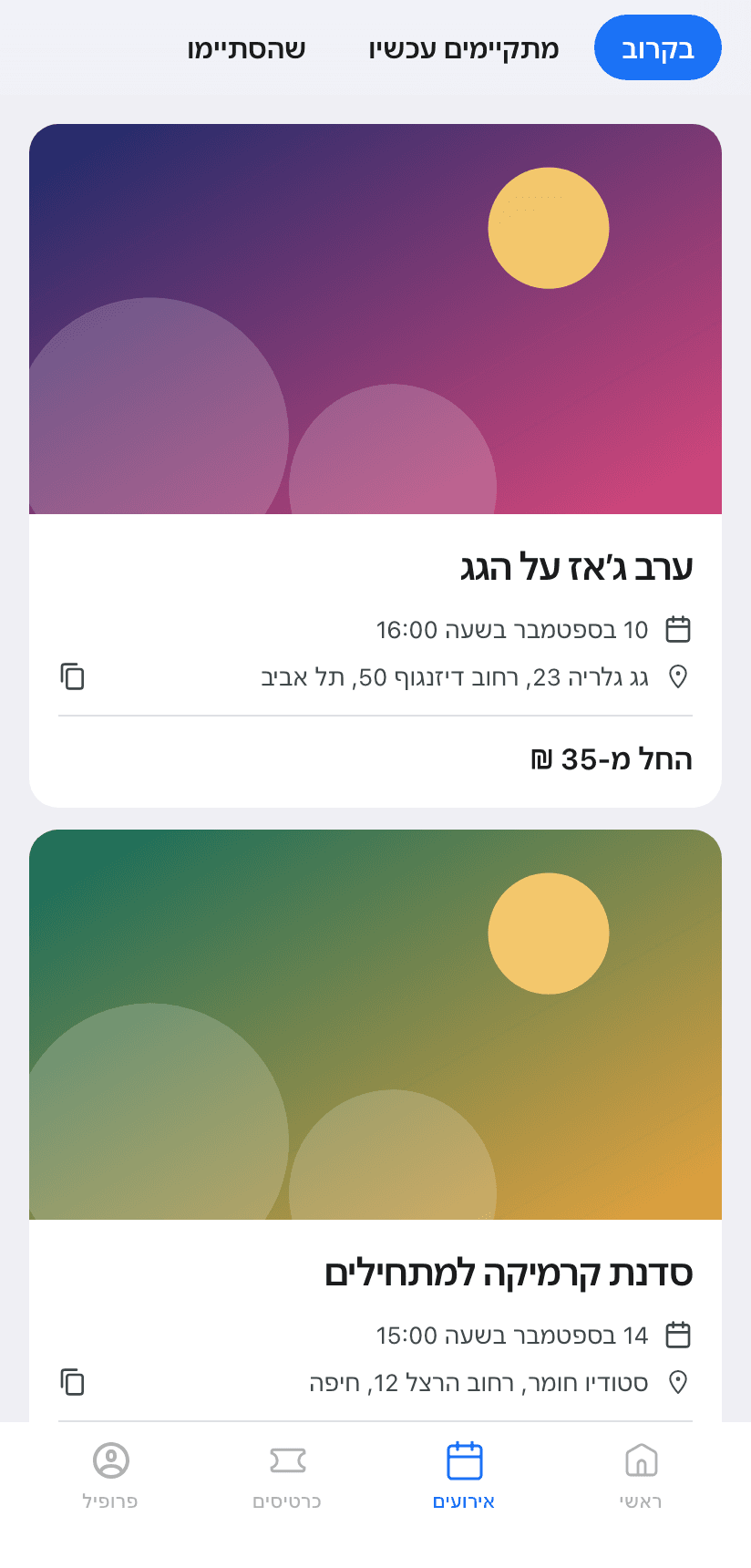
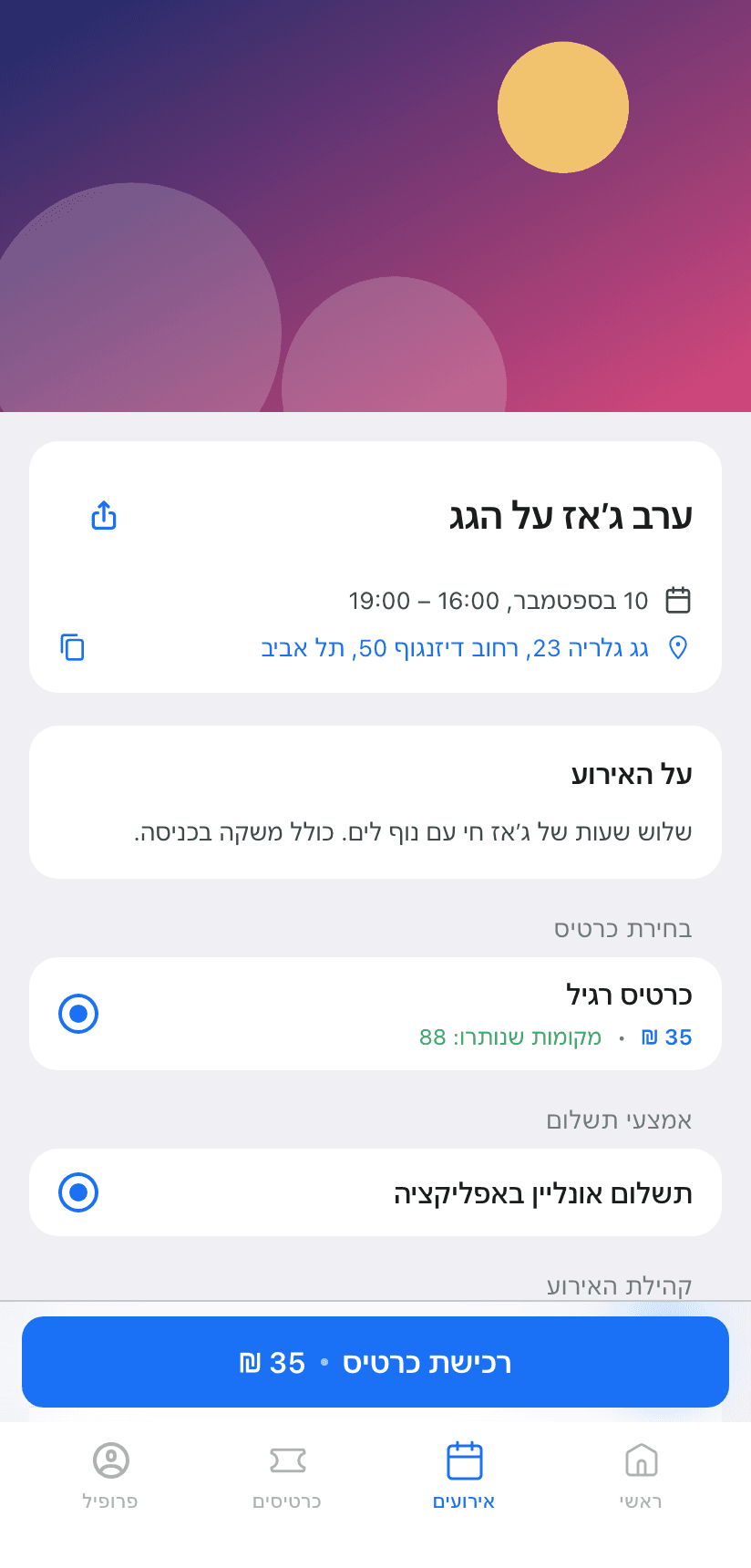
You can also add Hebrew as a translation language: names and descriptions are translated into Hebrew, similar to other languages.
The currency list now features the "Israeli New Shekel". If a store is created from Israel, the dashboard immediately suggests the shekel.
Website: New Menu and Niche Pages
The website header now contains three sections: "Platform," "Solutions," and "Resources." Adjacent is the "Pricing" option. On a computer, the section opens with a panel when hovered over. On a phone, each section opens a separate screen in the menu.
New pages:
- Online store in Telegram
- Flower shop
- Online service appointment booking
- CRM for customer support in Telegram
- "Mini-App or Marketplace": comparison and commission calculator
The registration button on the niche page immediately creates a store of the desired type.
The website is available in Hebrew.
Fixes
- If the page translation is enabled on the phone, the text editors in the dashboard no longer break. This includes product descriptions, newsletters, and advertisements.
- The "Link Telegram" button on the plugins page no longer opens a blank screen.
- After the update, the dashboard immediately loads the new version, without old files from the cache.
- In the event of a login error on the website, it clearly shows what happened: "Invalid email or password" or "Something went wrong, please try again." Previously, any error appeared as an access denial.
We've also fixed minor errors and improved the stability of the service.